
Last updated: October 2026 | By the Milton Ecom team
It’s 9 pm in Milton and the pipe under the kitchen sink has just let go. The homeowner, towel in one hand and phone in the other, searches for an emergency plumber and calls the first two names. One phone rings out. At the other, the plumber is busy on a job, so within a few seconds a voice answers as the AI Assistant for the plumbing company. It takes their details and alerts the plumber. You can guess who gets the job.
Short answer: WhatsApp Business is a useful free chat app, but it isn’t built to be your front desk. The app doesn’t answer regular phone calls to your business number, it has no sales pipeline or per-lead follow-up, its AI agent works in chat and is still rolling out, and your conversations live in chat threads rather than one shared customer record.
Want to see what this looks like for your business? Book a free consultation.
What is WhatsApp Business good at?
WhatsApp Business is a free app that gives your business its own WhatsApp profile. It’s handy for chatting with customers who already use WhatsApp. You can save quick replies, set greeting and away messages, sort chats with labels and show your services in a catalogue. For a small crew, that’s a decent free start.
WhatsApp’s own pages confirm the app offers:
- A business profile with details like your hours, address and website.
- A greeting message for new customers when they start a conversation.
- Away messages that send always, on a custom schedule or outside your business hours.
- Up to 50 saved quick replies for answers you type over and over.
- Up to 20 labels to sort chats (WhatsApp is now turning labels into lists).
- A catalogue to show services.
- Scheduled broadcasts with buttons like Book, Order and Call (for eligible users in select countries), plus paid marketing messages to everyone in a label or list.
The trouble starts when you expect a chat app to run your front desk.
Where does WhatsApp Business fall short for home service businesses?
WhatsApp Business is a chat app first. It doesn’t pick up regular phone calls, it has no pipeline to track quiet leads, its conversations sit in chat threads, and review requests aren’t on its feature list. For a home service business, each of those gaps can cost you jobs in a different way.
Emergency jobs still arrive as phone calls
When water is on the floor or the furnace quits in January, homeowners pick up the phone. WhatsApp calls run over the internet between WhatsApp accounts. A regular call to your business number goes through your phone carrier, and nothing in the WhatsApp Business app answers it for you. Away messages reply to chats, and WhatsApp notes your device needs an active internet connection to send them.
So if you’re under a sink or up a ladder, that call goes to voicemail and the homeowner dials the next plumber. A call that rings out can be a job you paid to advertise for, booked by someone else. Stopping missed calls is step three in our guide to the lead problems home service businesses face.
Its AI agent works in chat, not on your phone line
Meta has introduced Meta Business Agent, an AI that can answer questions, book appointments and qualify leads inside WhatsApp chats. Meta says it’s expanding the agent to businesses big and small globally, but WhatsApp’s Help Center still says the app version is only available in limited countries to select businesses, with a waitlist. Everything Meta describes it doing happens in chat, not on your phone line.
Follow-ups still lean on your memory
Quick replies save typing, but you still have to open the chat and send them. The app can send scheduled broadcasts to a list, but its feature list doesn’t include a sales pipeline or an automatic check-in when one customer’s quote goes unanswered. If a lead goes quiet while you’re on a job, it often stays quiet.
Your customer history lives in chat threads
You can link up to four other devices to WhatsApp, but they hang off your primary phone, and WhatsApp says you need to use that phone at least every 14 days to keep them linked. Meta Verified raises the limit to 10 devices and lets you assign chats to agents. Either way, your lead history sits in chat threads on one number, not in a customer record with a pipeline, notes and job history.
No built-in review requests
Reviews are how the next homeowner picks between you and the company down the street. Review requests aren’t part of the WhatsApp Business app’s feature list.
The rules tighten when you try to automate
To automate WhatsApp at scale, businesses move to the WhatsApp Business Platform (the API). Meta’s developer docs say you can only message people who have opted in. Once 24 hours pass after a customer’s last message, you can only send pre-approved template messages. Meta charges per delivered message, at rates that vary by category and country. Since October 1, 2026, that includes service replies beyond a free 1,000 per business phone number each month, and Meta Business Agent messages are charged too. Meta’s docs also say business-initiated WhatsApp calls aren’t available for Canadian business numbers.
What does a smart receptionist do that WhatsApp can’t?
When you can’t pick up, our AI voice receptionist answers within a few seconds, 24/7. It introduces itself as “AI Assistant for [Business Name]”, answers from your business’s own information, takes down the caller’s name, number and what they need, and notifies you. An AI chat assistant does the same job on your website.
Back to that burst pipe: the homeowner doesn’t download anything. They call the number on your truck, and if you can’t pick up, they get an answer within a few seconds. You finish the job, then call back a customer who’s expecting you.
Want to hear it for yourself? Call our demo line at (365) 832-8200. You can read more about how our voice AI receptionist works. Pricing is simple: the AI Voice Receptionist is $297/month or $2,970/year, and the AI Receptionist for website chat is $150/month (CAD).
Not sure which one fits your business? Book a free consultation and we’ll walk through it with you.
Why does a smart receptionist need a CRM behind it?
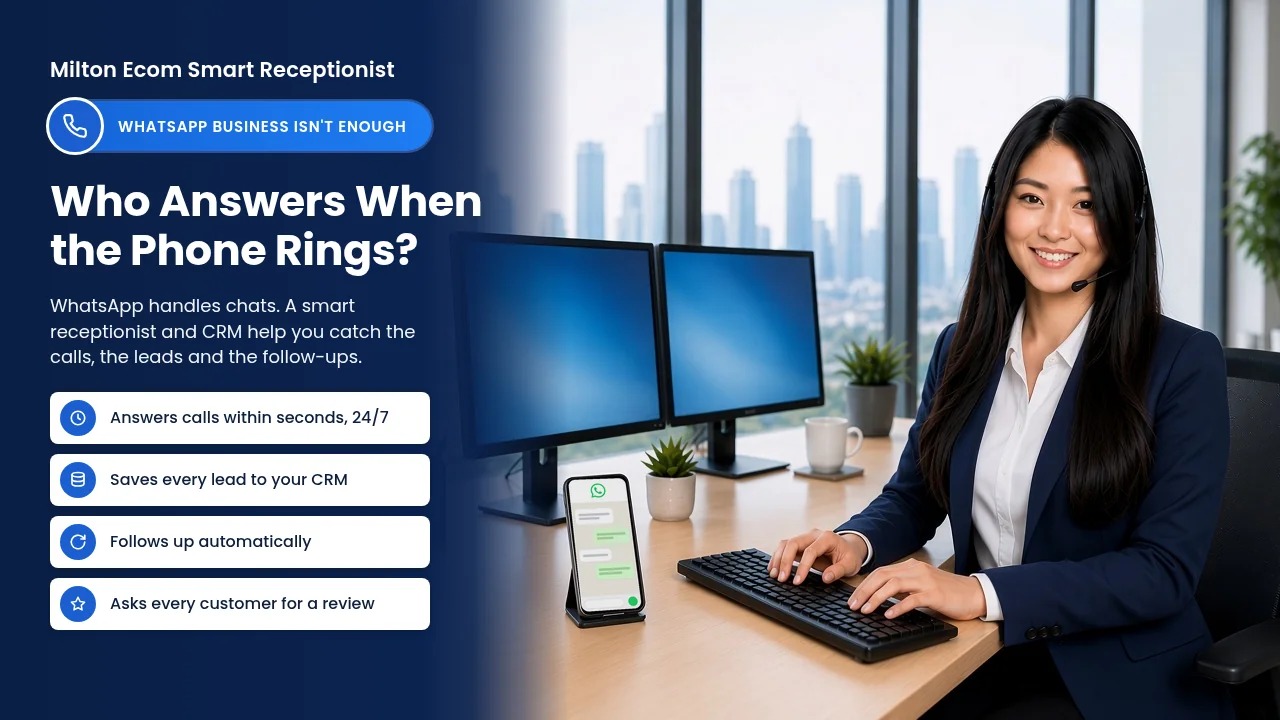
A receptionist catches the lead; a CRM makes sure it turns into a booked job. Our CRM keeps leads, customers and conversations in one place, tracks calls and emails, books and confirms appointments, and automates follow-ups. Your pipeline stops depending on one phone or one person’s memory.
- One record per customer: leads, customers and conversations in one place, not scattered across apps.
- Calls and emails tracked: you see the whole history before you call someone back.
- Appointments booked and confirmed: see how AI appointment booking works.
- Automatic follow-ups: automated follow-up checks in on quotes so leads don’t go cold.
- Reviews: it automates asking every customer for a review, by email first.
If you’re new to this, here’s a plain-English guide to what a CRM is and why it’s the best employee you’ll ever hire.
WhatsApp Business vs a smart receptionist and CRM: how do they compare?
WhatsApp Business covers chat with people who use WhatsApp. A smart receptionist and CRM cover your phone line, your website and the follow-up that turns a lead into a job. Here’s the side-by-side, based on WhatsApp’s help pages and Meta’s docs:
| WhatsApp Business app | Smart receptionist + CRM | |
|---|---|---|
| Regular calls to your business number | Not answered by the app | When you can’t pick up, the AI voice receptionist answers within a few seconds, 24/7 |
| AI assistant | Meta Business Agent: chat-based, still rolling out | AI voice receptionist for calls, AI chat assistant for your website |
| Who can reach you | People who use WhatsApp | Callers, website visitors and emails, tracked in one place |
| Follow-ups | Quick replies and scheduled broadcasts; no per-lead follow-up | Automated follow-ups |
| Customer records | Chat threads and up to 20 labels or lists, linked to your primary phone | Leads, customers and conversations in one place |
| Review requests | Not on the app’s feature list | Automates asking every customer for a review, by email first |
Should you stop using WhatsApp Business?
No. If customers already message you on WhatsApp, keep answering them there. Just don’t make it your front desk. Let a smart receptionist cover calls when you can’t pick up and handle website chats, and let a CRM hold your leads and run the follow-up, so WhatsApp becomes one channel among several instead of the whole system.
The homeowner with water on the kitchen floor doesn’t care which app you use. They care who answers, how fast, and whether you call back. That’s the job a smart receptionist and a CRM do together, whether you’re in Milton, Hamilton, Halton or anywhere in the GTA.
Ready to stop losing jobs to voicemail? Book a free consultation.
Glossary
- WhatsApp Business app: Meta’s free app that gives a business its own WhatsApp profile, quick replies, labels, a catalogue and automated greeting and away messages.
- WhatsApp Business Platform (API): Meta’s tool for businesses that send and automate WhatsApp messages through software instead of the phone app.
- Customer service window: The 24-hour period after a customer’s last WhatsApp message when a business on the API can reply with regular, non-template messages.
- Template message: A pre-approved WhatsApp message a business on the API must use once the 24-hour window closes; Meta charges for each one delivered.
- Meta Business Agent: Meta’s AI that answers questions, books appointments and qualifies leads in WhatsApp chats, still rolling out to businesses by country.
- Smart receptionist: An AI receptionist that answers your calls when you can’t, or your website chats, introduces itself as the AI Assistant for your business, and passes details to you.
- CRM (Customer Relationship Management): Software that keeps leads, customers and conversations in one place and automates follow-ups and appointment booking.
- Automated follow-up: Messages your CRM sends on a schedule so leads and quotes get a check-in even when you’re busy on a job.
Frequently Asked Questions
Can WhatsApp Business answer phone calls with AI?
Not regular phone calls. The WhatsApp Business app has no feature that answers calls to your business number, and WhatsApp calls run over the internet between WhatsApp accounts. Meta Business Agent works in chats and is still rolling out to select businesses. An AI voice receptionist picks up your actual phone line when you can’t.
Is WhatsApp Business free?
The WhatsApp Business app is free to download, with a mix of free and paid features, according to its App Store listing. The WhatsApp Business Platform (API) charges per delivered message, at rates that vary by category and country. Since October 1, 2026, that includes service replies beyond a free 1,000 per business number each month.
Does the AI voice receptionist pretend to be a person?
No. Our AI voice receptionist introduces itself as “AI Assistant for [Business Name]” at the start of the call, using your business name. It then answers from your business’s own information, takes down the caller’s name, number and what they need, and notifies you so you can call them back.
How many devices can use one WhatsApp Business account?
WhatsApp lets you link up to four devices to your primary phone, or up to 10 with Meta Verified. You need to use WhatsApp on your primary phone at least every 14 days to keep linked devices connected. A CRM keeps leads, customers and conversations in one place instead of on one phone.
Can I keep using WhatsApp Business alongside a CRM?
Yes. WhatsApp Business can stay as one channel for customers who like to message you there. A smart receptionist covers your phone line when you can’t pick up and handles website chat, and a CRM keeps your leads, customers and conversations in one place. You don’t have to give up WhatsApp to use them. Want your WhatsApp chats in the CRM too? Ask us about connecting it when you book your free consultation.
How can I hear the AI voice receptionist?
Call our demo line at (365) 832-8200 and talk to the AI voice receptionist yourself. You’ll hear how it introduces itself as an AI Assistant, answers questions and takes down a caller’s details. If you’d like it set up for your business, book a free consultation with us.